Make changes without surprises
Edit freely, review everything together, then commit when you are ready.
 Koakuma
A little devil beside your SQLite database
A native SQLite client for macOS, built for data that does not fit neatly inside a cell.
Requires macOS 15 or later · Apple silicon and Intel
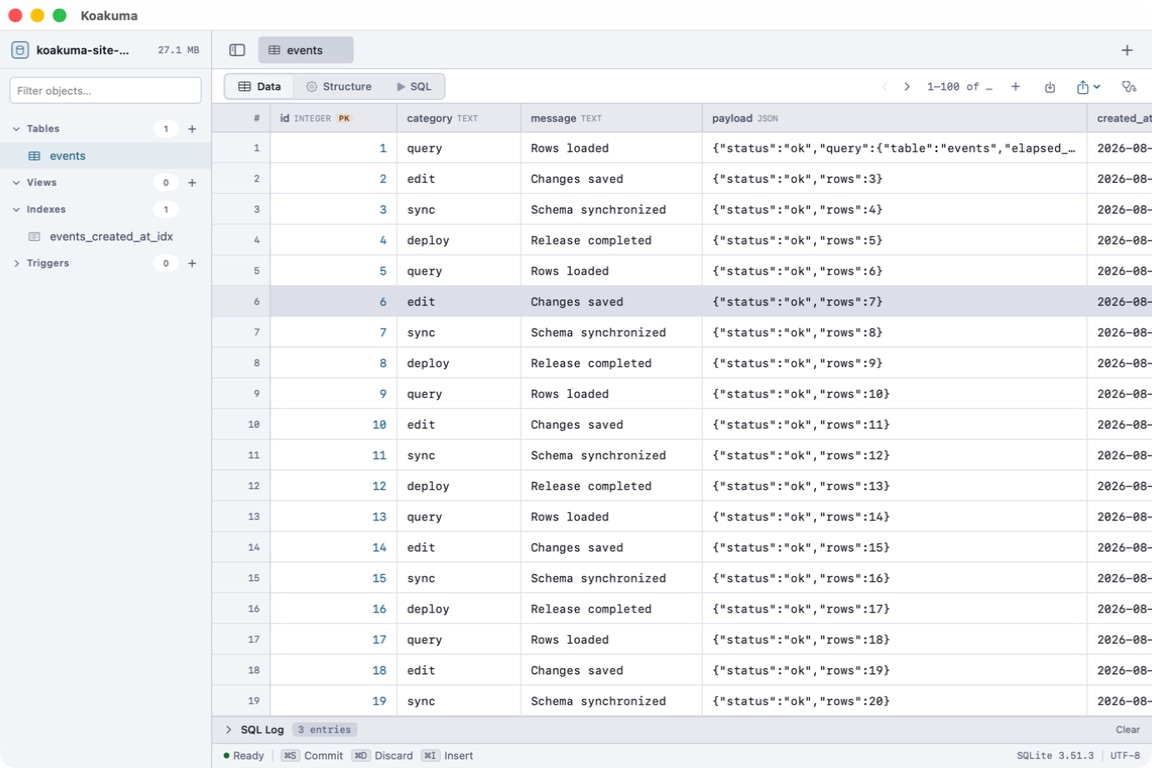
Smart Edit Mode
Double-click once. What was sealed inside the cell reveals its true form.
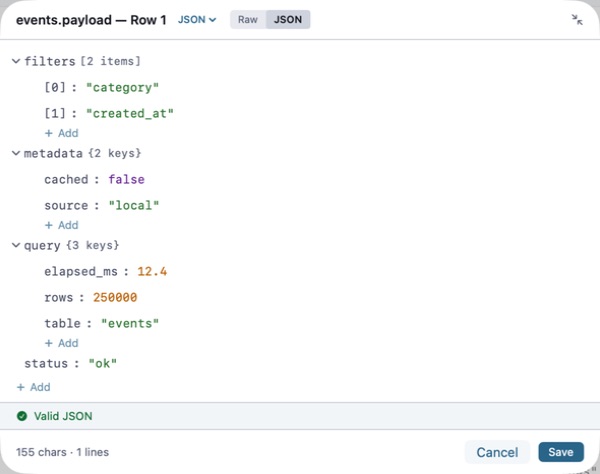
From a compact cell to a structured JSON editor—without leaving the table.
JSON as a tree. Markdown as a document. Images as images.
A familiar's little tricks
Edit freely, review everything together, then commit when you are ready.
Choose to remember the password for an encrypted database and reopen it in one step.
Write with schema-aware completion, run the statement you mean, and see the query plan.
Whispers from the library
Koakuma checks its official signed update feed, verifies each release, and lets you install without leaving the app.